


Bus Parking Simulator 3D (Android Games)

Requirements : Android 2.2 or higher
Size: 30 MB Free
Version :1.3
Developer : http://www.tapinator.com
Description
Do you want to try out driving big vehicles, including buses? Check out this simulation game now!
Bus Parking recreates the experience of parking a real bus. This title joins Tapinator's three prior parking titles - Truck Parking, Limousine Parking, and Trucker Parking. Bus Parking is the latest addition in the best line of parking simulator games in the app store.
The game features realistic physics, smooth controls and challenging gameplay. Try to be the best bus driver on the planet with our online ranking features and achievements. Bus Parking Simulator 3D is the ultimate parking, driving, and bus simulator!
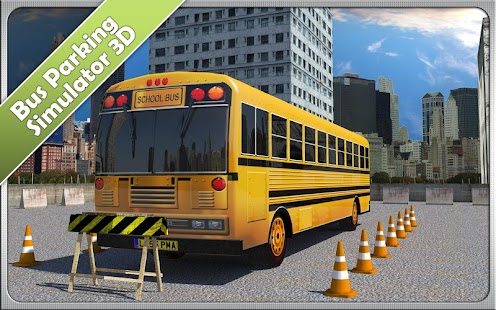
In this parking game, you can choose between 2 detailed environments, over 50 parking lot levels and unlimited entertainment. Do you think you can park the school bus on a TRIP TO THE MUSEUM and when it's BACK TO SCHOOL time? Challenge yourself by trying to be as fast as you can without crashing!
★★★ BUS PARKING SIMULATOR 3D FEATURES★★★
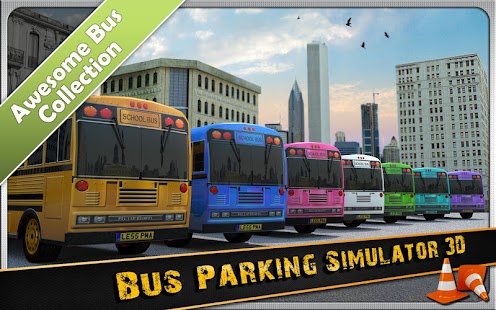
✔ Lots of cool school buses
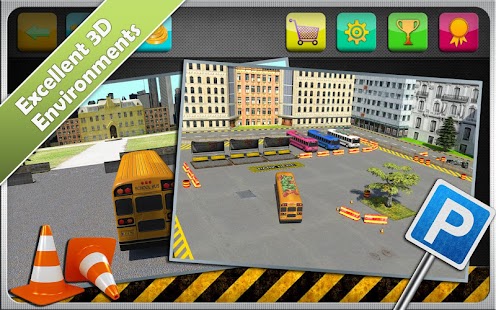
✔ 2 challenging environments
✔ Ability to a skip level, if desired
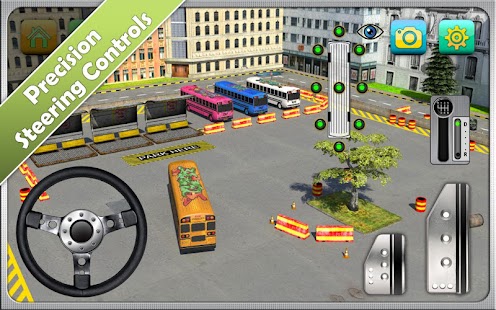
✔ Ability to use 2 touch steering options or the built-in Accelerometer
✔ 4 Different Camera Angles to achieve maximum visibility
The game uses superior graphics tailored to high end devices, including the Samsung Galaxy S4, and Nexus.
If you enjoy our app, don’t forget to show us some love by leaving a positive review!
Screenshoot:

Installation guide:


