


Fishing Joy (Android Games)

Requirements :Android 2.1 or higher
Size: 24.6 MB Free
Version :1.0.3
Developer : http://fishingjoy.com/index.html
Description
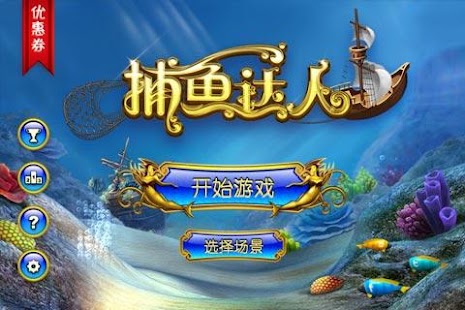
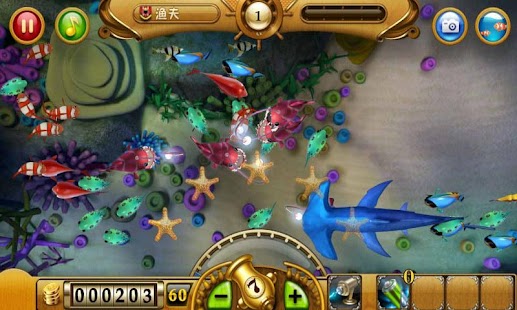
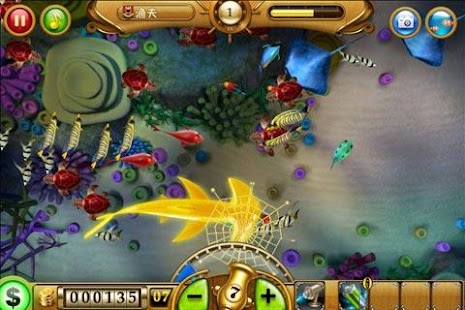
Fishing Joy is an insanely addictive game that’s sweeping the world with +65M users worldwide! In Fishing Joy, you’ll be able to have a deep-ocean experience catching magnificent species of fish and creatures the eco-friendly way! The game features stunning deep-sea graphics, music, sound fx’s for a more enjoyable and pleasant experience. Aim and shoot your multi-Level power nets to catch fish and earn Gold and XP! In addition, once your Cannon’s Power Gauge is full, you will be rewarded with a special Laser Gun to annihilate anything and everything on its path! Even the most difficult creatures to catch - Sharks! Fishing Joy will keep you glued to the screen!
There are 7 powerful Cannons to choose from in size and range. Cast Cannon Nets wisely using small Nets for small fish and big Nets for large prey. The cost of the net is equivalent to the Level of the Cannon Net (Example: Lv. 1 Net will cost you 1 Gold and Lv. 7 net 7 Gold).
Fishing Joy offers:
(1) 15 varieties of colorful sea creatures
(2) 7 different Levels of Cannons and Nets
(3) 1 Super Laser Gun
(4) An Aquarium Mode
(5) Latest technology in graphics, music and sound effects
(6) GameCenter support
(7) Photo enabled for sharing on Facebook, Twitter and Sina Weibo
(8) Tour the world’s ocean corners and experience the exquisite 3D experience of being submerged under water.
(9) Game version available in English, Spanish, Simplified Chinese, Traditional Chinese, Japanese.
For more information please visit our Website: www.chukong-inc.com
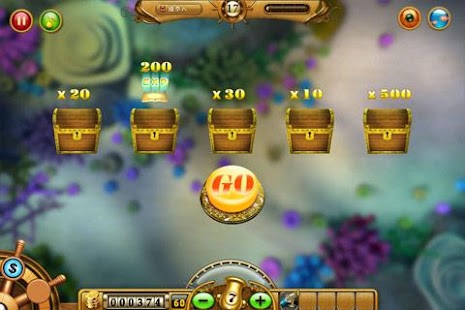
Screenshoot:
Installation guide:


