


Ancient Surfer (Android Games)

Requirements :Android 2.2 or higher
Size: 40 MB Free
Version :1.0.1
Developer : http://www.summer-time-studio.com/
Description
SummerTimeStudio Vol.8!
It’s summer! Time to go to the beach and surf!
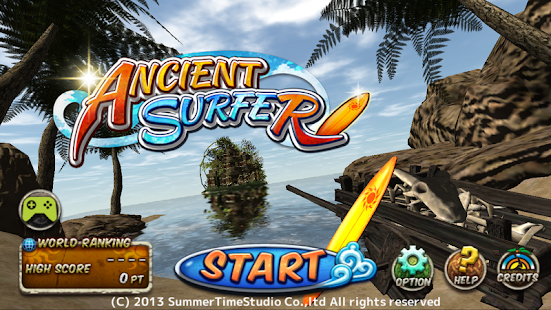
Turns out the ancient islanders also practiced the art of surfing!
Ride the waves of the seven points located in the ancient world!
Catch waves and do jumps in the sun while observing the beautiful scenery.
Compete with other surfers around the world using the ranking system.
Enjoy the surf life easily from the palm of your hand!
Description:
Surf in the ancient world easily with the tip of your fingers.
See the ruins and the mystical double rainbow displayed before your eyes, anytime, anywhere.
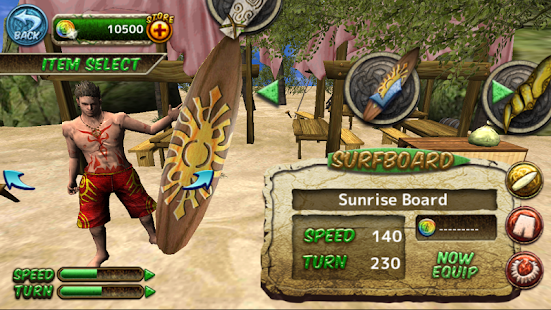
By doing tricks in the game, you can collect in-game coins that can later be traded for new gear and to unlock new stages.
You can customize your character by unlocking new boards, pants, and necklaces to become the Big Kahuna!
Run from sharks and avoid the obstacles with skill, to gain the high score.
Will you be the one to tame the final tidal wave?
Become the world’s best surfer.
Hint:
Ride down the wave to gain speed. Let gravity do its work.
Also, remember to land with the right angle so you wont wipe out!
-------------------------------------------------------
Compatible for:
GalaxyS2 and Above,
Android 4.2 and Above
Screenshoot:


Installation guide:


