


Deer hunter 2014 (Android Games)

Requirements :Android 2.1 or higher
Size: 36 MB Free
Version :1.0.2
Developer : http://www.glu.com/
Description
#1 FREE GAME on iOS, now on Android
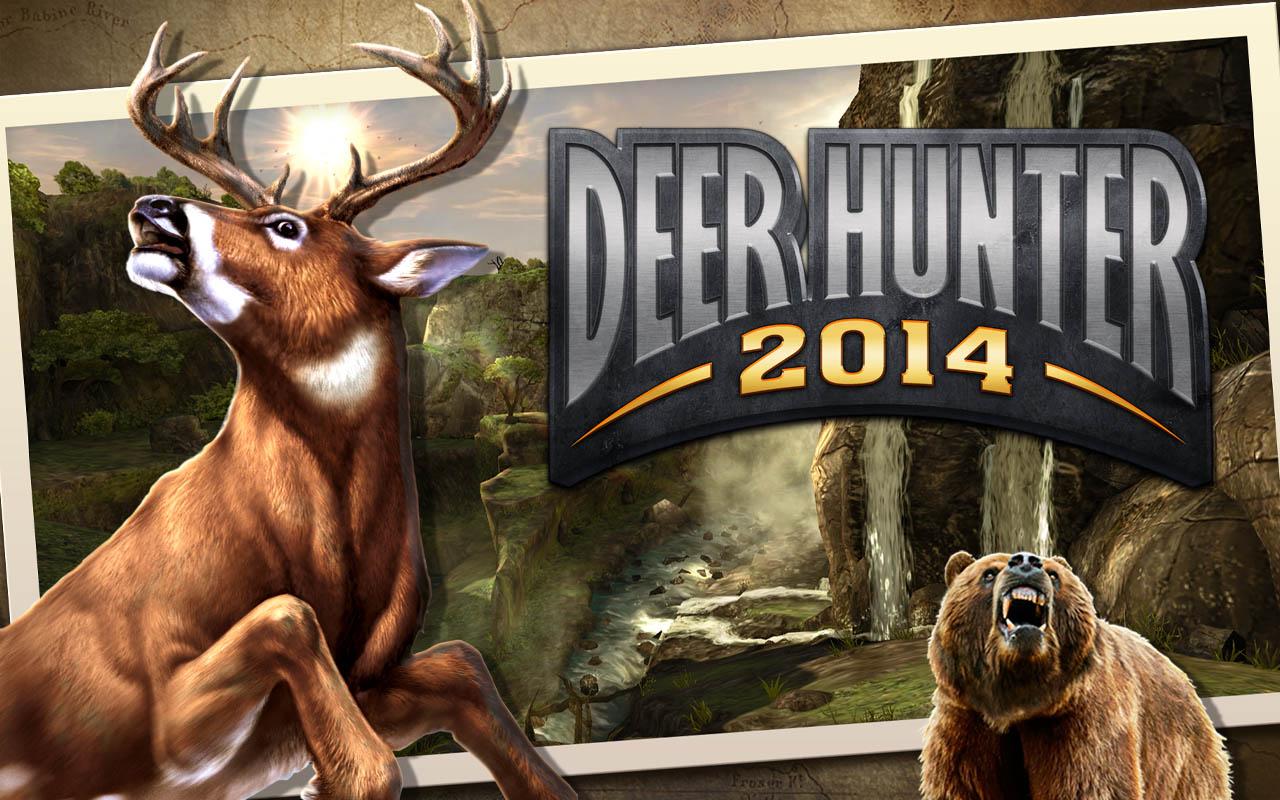
Return to the wilderness in the most visually stunning FPS hunting simulator on Android!
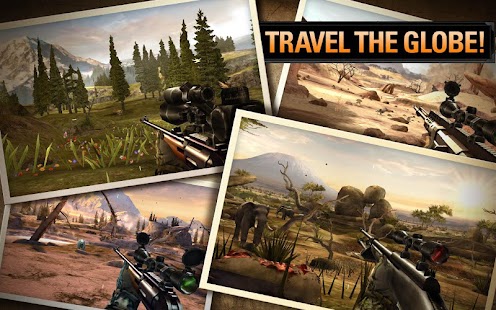
Travel from North America’s Pacific Northwest to the Savannah of Central Africa in an epic journey to hunt the world’s most exotic animals!
BRAND NEW CLUB HUNTS!
Join your friends in global cooperative challenges where teamwork is critical. Work together to complete hunting objectives and collect rewards!
EXPLORE A LIVING WORLD
Immerse yourself in diverse environments filled with over 100 animal species! Watch out for attacking predators including bears, wolves, and cheetahs! Hunting deer is just the beginning!
MAXIMUM FIREPOWER
Enjoy endless customization as you perfect your weapons. Upgrade magazines, scopes, stocks, barrels and more! Take hunting to the next level!
COLLECT TROPHIES
Compete for bragging rights as you bag the biggest animals with Google Play achievements and leaderboards!
It’s open season join the hunt today!
Developed for fans of FPS games, Hunting Simulators, and the Deer Hunter franchise.
---------------------------------------------
Deer Hunter 2014 is a free to play FPS hunting simulator, but you can choose to pay real money for some extra items.
Use of this application is governed by Glu Mobile’s Terms of Use. Collection and use of personal data are subject to Glu Mobile’s Privacy Policy. Both policies are available at www.glu.com. Additional terms may also apply.
FOLLOW US at
Twitter @glumobile
facebook.com/glumobile
Screnshoot:


Installation guide:


